

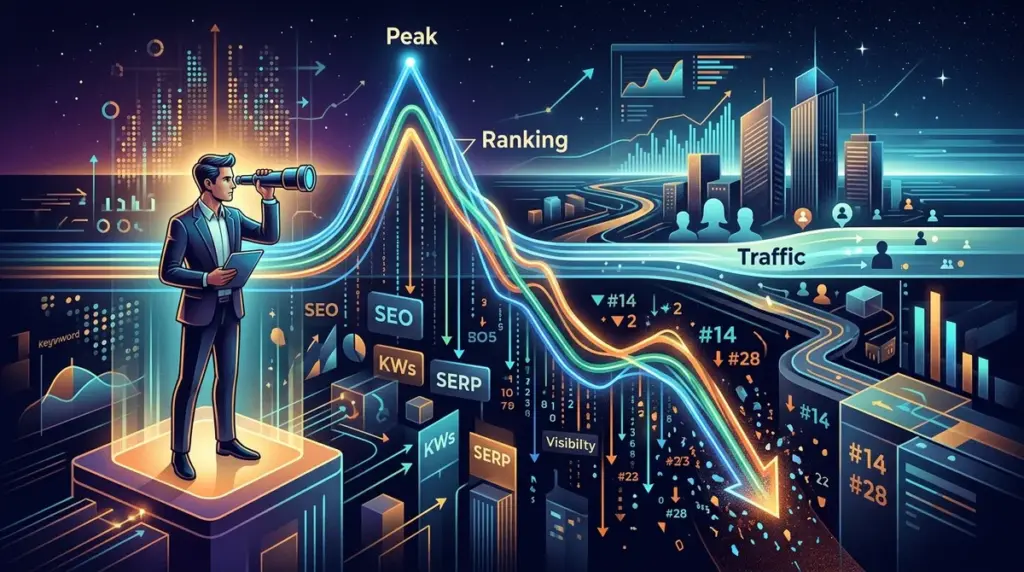
Traffic is a lagging indicator. By the time a downward trend appears in your analytics dashboard, the revenue loss has already occurred. For high-stakes e-commerce and lead-generation sites, waiting for a visible dip in sessions is a reactive strategy that costs money. To protect margins, SEO professionals must monitor keyword rankings as a leading indicator, identifying shifts in the SERP (Search Engine Results Page) before they translate into a loss of clicks.
The Lagging Indicator Trap
Google Analytics 4 (GA4) and similar platforms report on historical data. If a primary commercial keyword drops from position two to position six, your traffic might not show a significant change for 48 to 72 hours due to data processing delays and natural daily variance. However, that four-spot drop represents a potential 50% reduction in click-through rate (CTR) for that specific term. Identifying these micro-shifts allows you to diagnose whether the cause is a technical error, a competitor’s aggressive content update, or a broader algorithmic shift before the monthly report highlights a disaster.
High-Frequency Monitoring for Commercial Keywords
Not all keywords deserve daily scrutiny, but your "money" terms—those driving the highest conversion value—require high-frequency tracking. A weekly check is insufficient for terms with high cost-per-click (CPC) values in Google Ads. When these rankings slip, competitors immediately fill the vacuum.
Best for: Identifying "silent" drops in high-intent clusters that represent the bulk of your organic revenue.
- Daily Tracking: Set your most valuable 10% of keywords to daily refreshes. This provides a granular view of SERP volatility.
- Tagging by Intent: Group keywords by "Commercial," "Informational," and "Navigational." If only commercial terms are dropping, it suggests a transactional algorithm update or a competitor price war.
- Share of Voice (SoV): Monitor your SoV within specific categories. A stable rank with a declining SoV usually indicates that new SERP features (like AI Overviews or Sponsored blocks) are pushing the entire organic list further down the page.
Distinguishing Between Volatility and Systemic Decline
SERPs are rarely static. "Google Dance" or temporary testing of new results can cause a keyword to bounce between positions for a few days. Distinguishing this noise from a genuine decline is critical to avoid unnecessary "panic-optimization."
Analyzing the Competition's Movement
If your ranking drops but the rest of the top ten remains stable, the issue is likely site-specific (e.g., a broken redirect, a sudden drop in page speed, or an accidental 'noindex' tag). Conversely, if the entire top ten is reshuffled, Google is likely re-evaluating the intent of the query or rolling out a core update. In the latter case, immediate technical fixes on your end may be counterproductive until the volatility settles.
Pro Tip: Always cross-reference ranking drops with "Pixel Depth." If your rank is still #3 but your traffic is falling, a new Google Ads carousel or a "People Also Ask" block may have moved your result 400 pixels further down the screen, effectively burying it on mobile devices.
The Canary in the Coal Mine: Long-Tail Decay
Before your primary head terms drop, you will often see a "decay" in long-tail keyword rankings. These are the highly specific, four-to-six-word queries that support your main pages. Because these terms have lower competition, they are often the first to be affected by content quality devaluations. If you notice a broad loss of rankings for secondary terms across a specific subfolder, it is a definitive warning sign that the primary "hero" page is losing its topical authority in the eyes of the search engine.
Identifying Keyword Cannibalization Precursors
Ranking drops aren't always caused by competitors; sometimes, your own site is the culprit. If a page's ranking starts to fluctuate wildly—jumping from page one to page three and back—check if a different URL on your site is occasionally appearing for that same keyword. This "flickering" is a symptom of cannibalization. Google is unsure which page is the best fit, and as a result, neither page gains enough signals to maintain a top position. Resolving this with strategic internal linking or 301 redirects can stabilize the rank before the traffic cliff arrives.
Technical Triggers and Automated Alerts
Manual monitoring is inefficient for large-scale publishers. Effective rank monitoring requires automated alerts based on specific thresholds. Instead of alerting for every minor move, set triggers for significant shifts that historically correlate with traffic loss.
- Threshold Alerts: Trigger a notification if any keyword in the "Top 3" category drops out of the "Top 5."
- Group Volatility: Alert when more than 20% of keywords in a specific tag move more than three positions in 24 hours.
- URL Changes: Monitor if the ranking URL for a tracked keyword changes. This often signals an unintended canonical issue or a botched site migration.
Immediate Triage Protocols
When a drop is confirmed, follow a structured diagnostic path to prevent further erosion. Do not start changing content immediately; first, rule out technical interference.
- Verify Indexability: Use Search Console to ensure the page hasn't been hit with a manual action or a crawl error.
- Check the SERP Layout: Has Google introduced a new "Product Grid" or "Local Pack" that changed the click-through dynamics?
- Competitor Content Audit: Did the site that took your spot recently update their page with better data, newer images, or more comprehensive answers?
- Backlink Health: Check for a loss of high-authority links pointing to that specific URL. A single lost link from a top-tier domain can trigger a slide from position one to four.
Executing a Recovery Plan
Once the cause is identified, recovery is about regaining relevance. If the drop was due to a core update, focus on improving the "Helpful Content" signals of the entire directory. If it was a specific competitor move, analyze their "Content Gap"—what are they answering that you aren't? If it was a technical slip, such as a slow LCP (Largest Contentful Paint), prioritize the fix and use the "Request Indexing" feature in Search Console to prompt a re-evaluation. By acting at the ranking stage, you minimize the duration of the traffic dip and protect your bottom line.
Common Ranking and Traffic Questions
How long after a ranking drop does traffic usually fall?
Traffic loss is usually instantaneous but takes 24 to 72 hours to reflect in most reporting tools. For high-volume terms, you may see a drop in real-time conversions or lead flow within hours of a significant rank shift.
Is a drop of 2-3 positions worth worrying about?
It depends on the starting position. Moving from #1 to #3 can result in a 30-50% loss in clicks. Moving from #12 to #15 is less impactful in the short term but may indicate a broader loss of page authority that will eventually affect your top-performing terms.
Can rankings drop even if my content hasn't changed?
Yes. Search engines constantly update their understanding of "user intent." Additionally, competitors may be improving their content, or Google may be favoring different types of media (like video or lists) for that specific query, causing your static text page to lose relevance.
Does a ranking drop always mean a penalty?
Rarely. Most drops are the result of algorithmic re-evaluations or competitive pressure. Actual "penalties" (manual actions) are notified via Google Search Console and are far less common than standard ranking fluctuations.